 LEROSABy Sabban&Co
iPhone & Apple Watch
Your movement.
Your rhythm.
An interval timer that keeps you in your movement. Build your session, follow vibration cues and understand the effort you put in.
The language of movement
A signal.
And you know what’s next.
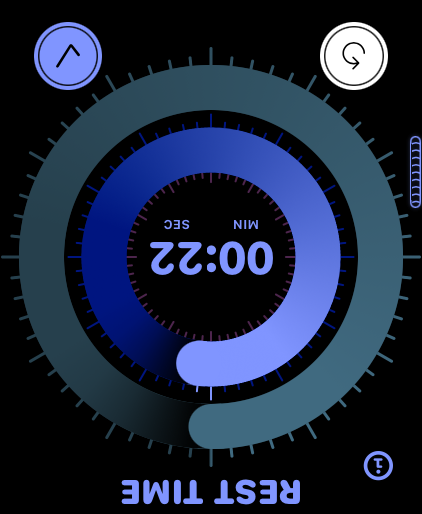
Work, recovery and the finish each have their own place in the session. Explore the three moments, then see them on the real LEROSA screens below.
Work / A clear cue to begin the effort.
Visual explanation of the phases. The actual haptic patterns play on your device.WORKFind your rhythm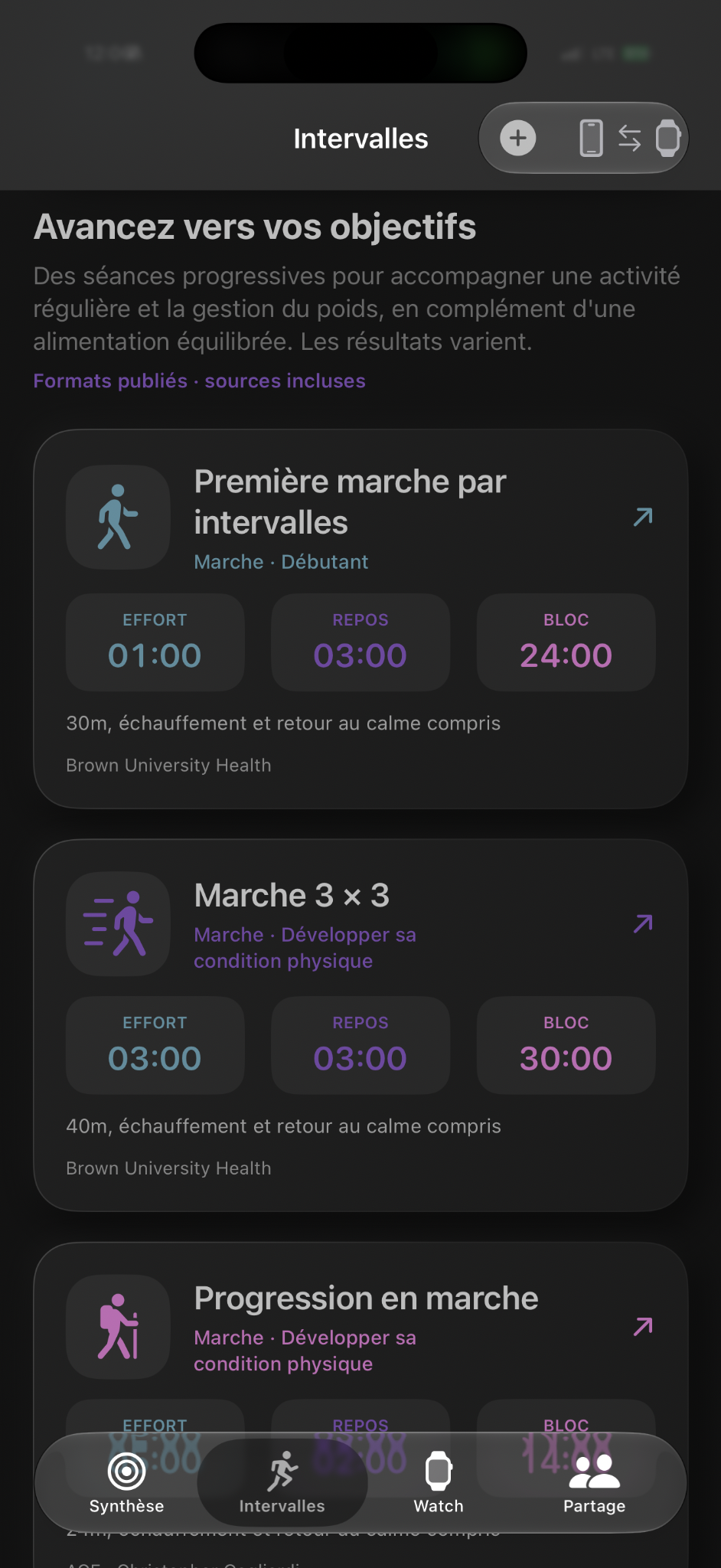
01 / Make the session yours
A starting point.
Endless personal rhythms.
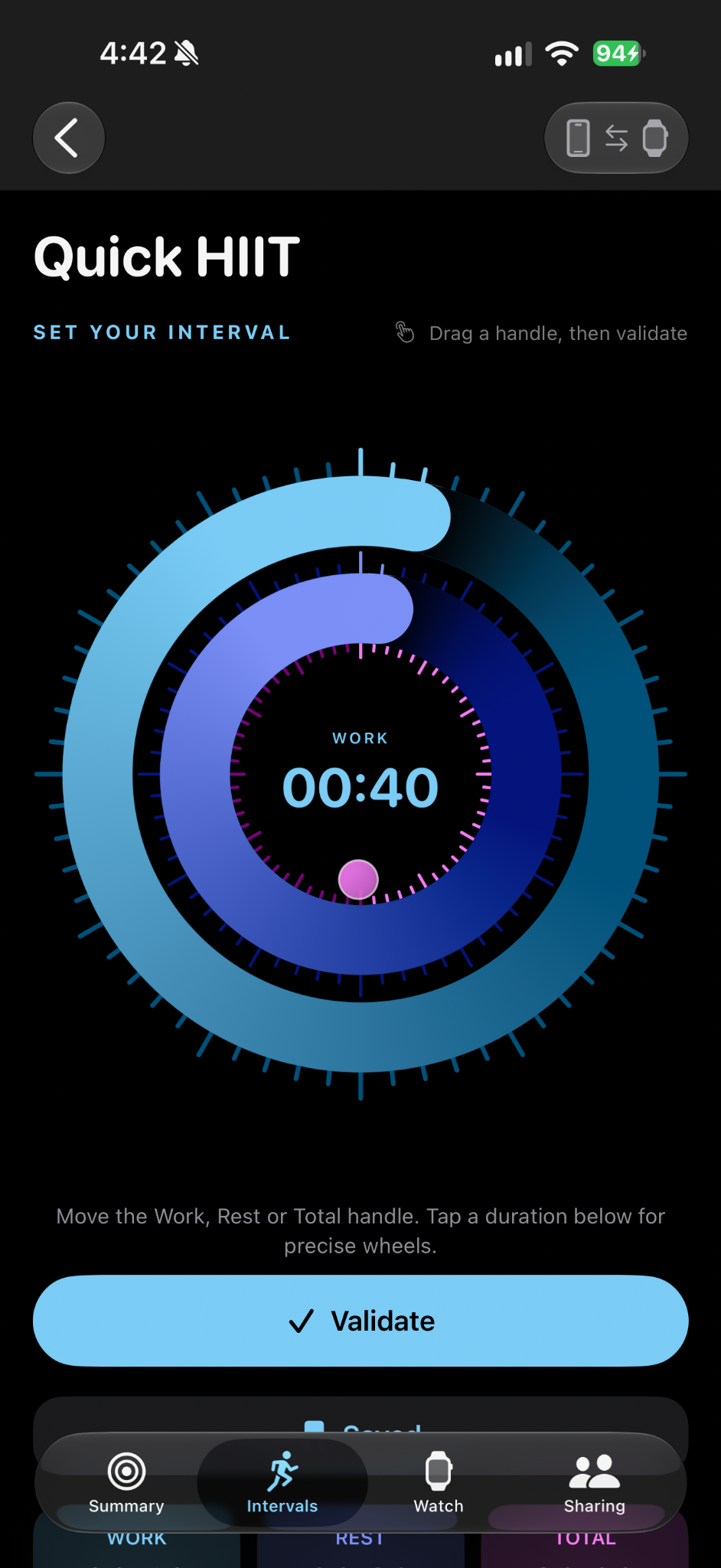
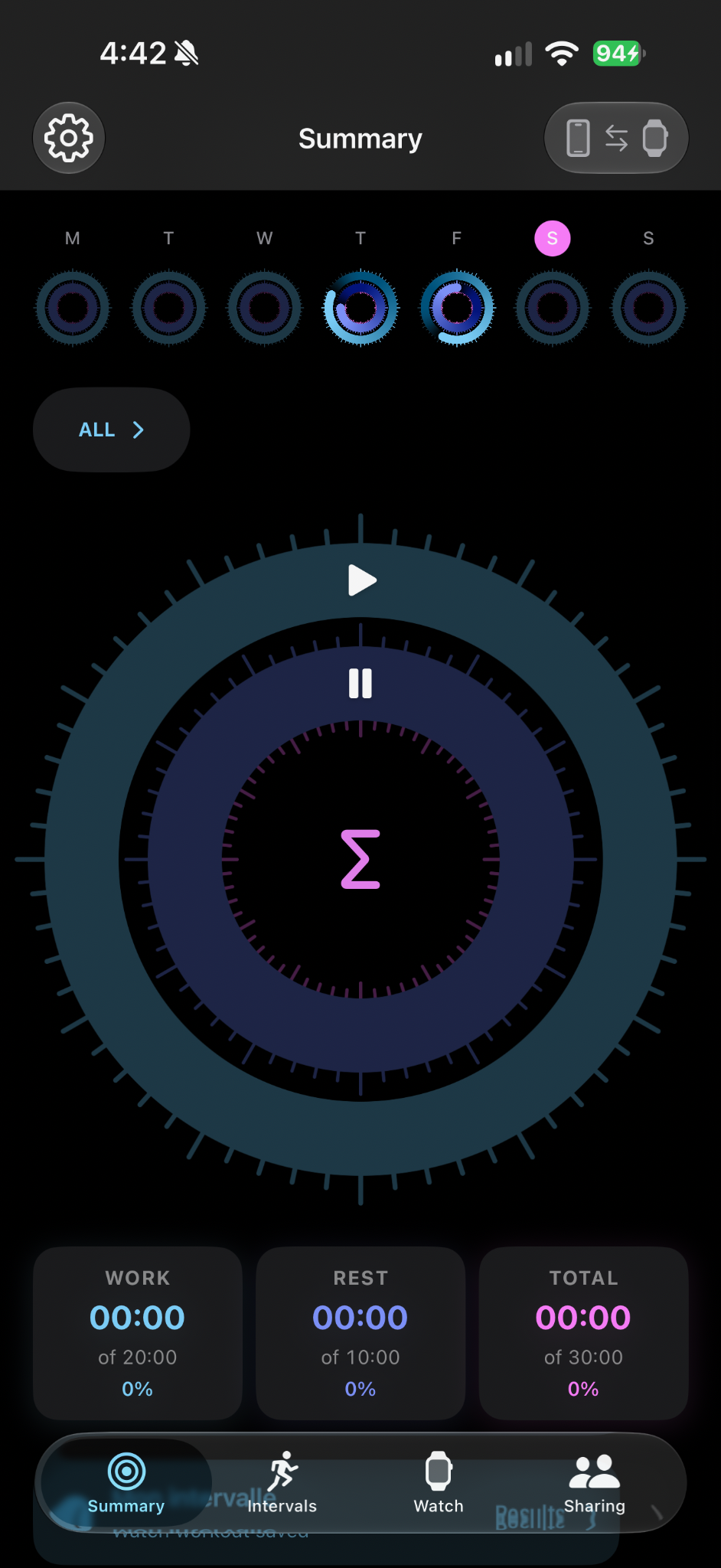
Choose a ready-made interval program or create your own. Set work, rest and total time with the three connected rings, then refine the durations with the app’s precise controls.
Your total duration is built from complete work-and-rest cycles. Choose how many cycles to repeat, from a single round to a longer session, with a total duration of up to 24 hours.
- Ready-made programs and custom intervals
- Separate controls for work, recovery and total time
- Saved sessions, ready for your next workout
02 / Stay in the movement
Don’t watch the seconds.
Feel the change.
On Apple Watch, distinct haptic patterns guide work, recovery and the countdown between phases. Feel the signal on your wrist and keep your attention on your exercise.
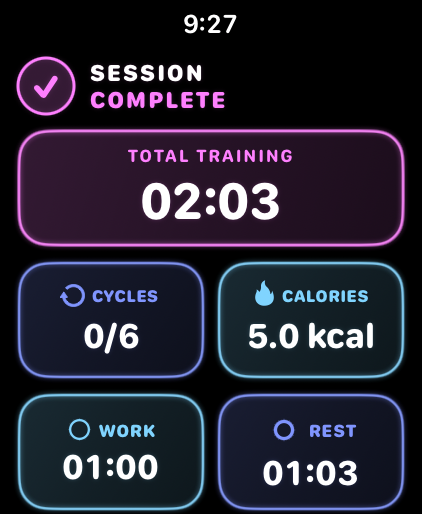
Pause when you need to. Resume when you are ready. LEROSA brings the structure; you choose the pace.
Inside the session
The rhythm.
And every detail behind it.
Get closer to the actual interface. Watch the countdown, follow the measurements, then explore the record of your effort.
Keep moving.
Let the rhythm guide you.
Work and recovery remain distinct. The changing ring and countdown keep the active phase clear at a glance.
The effort, made visible.
Heart rate and energy stay connected to the live session. This close-up comes from a real LEROSA recording.
Measurements depend on the recording device and Health permissions.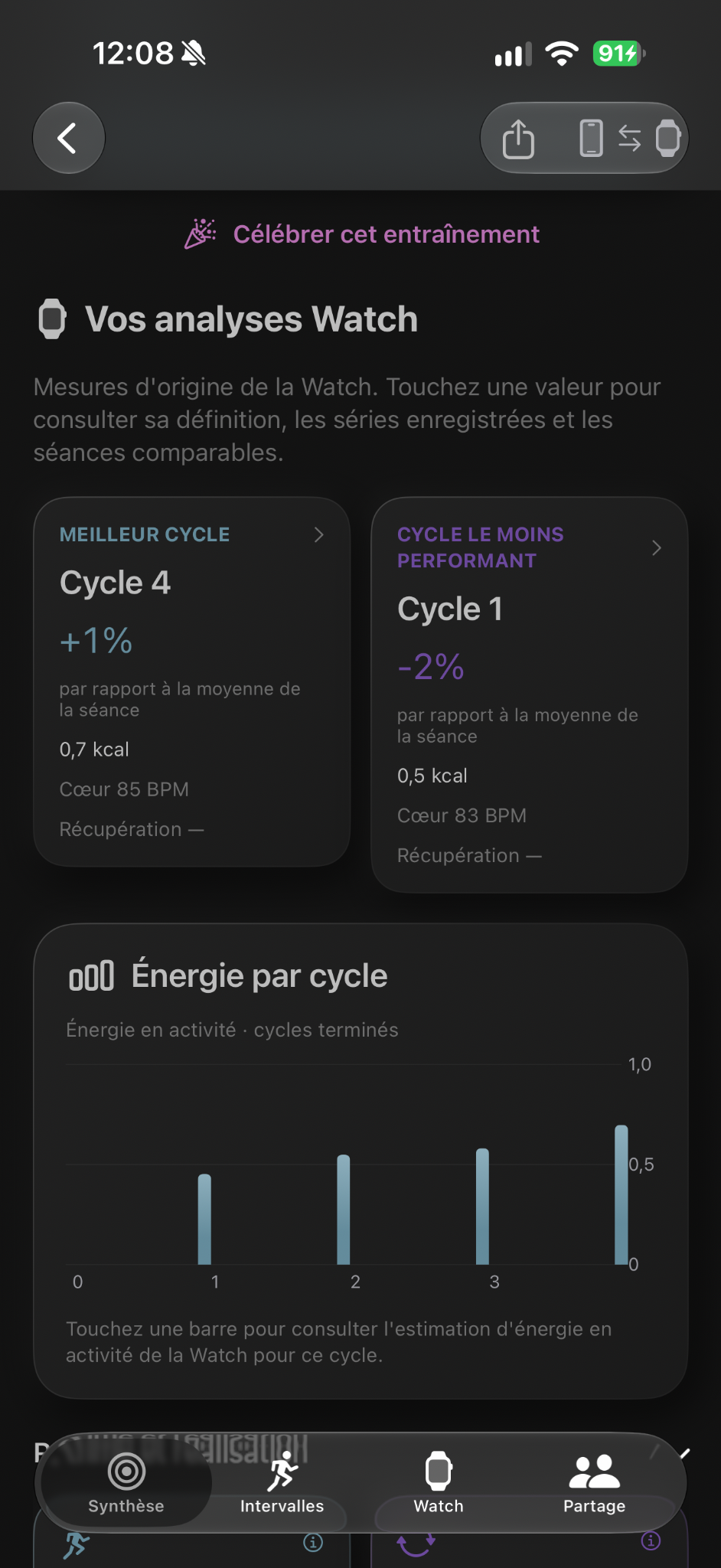
Look beyond
the finishing time.
Review cycles, energy and your own effort rating. Return to the session with more context than a single number.
03 / Together, or independently
Your phone.
Your watch.
One connected session.
Prepare your intervals on iPhone and send them to your paired Apple Watch. Connection status makes it clear when the devices can communicate, while your active session and completed workout can move between them.
No Watch? Run your interval session directly on iPhone. The timer and phone vibration cues work with LEROSA open and active. With Apple Watch, the cues stay on your wrist while you train.
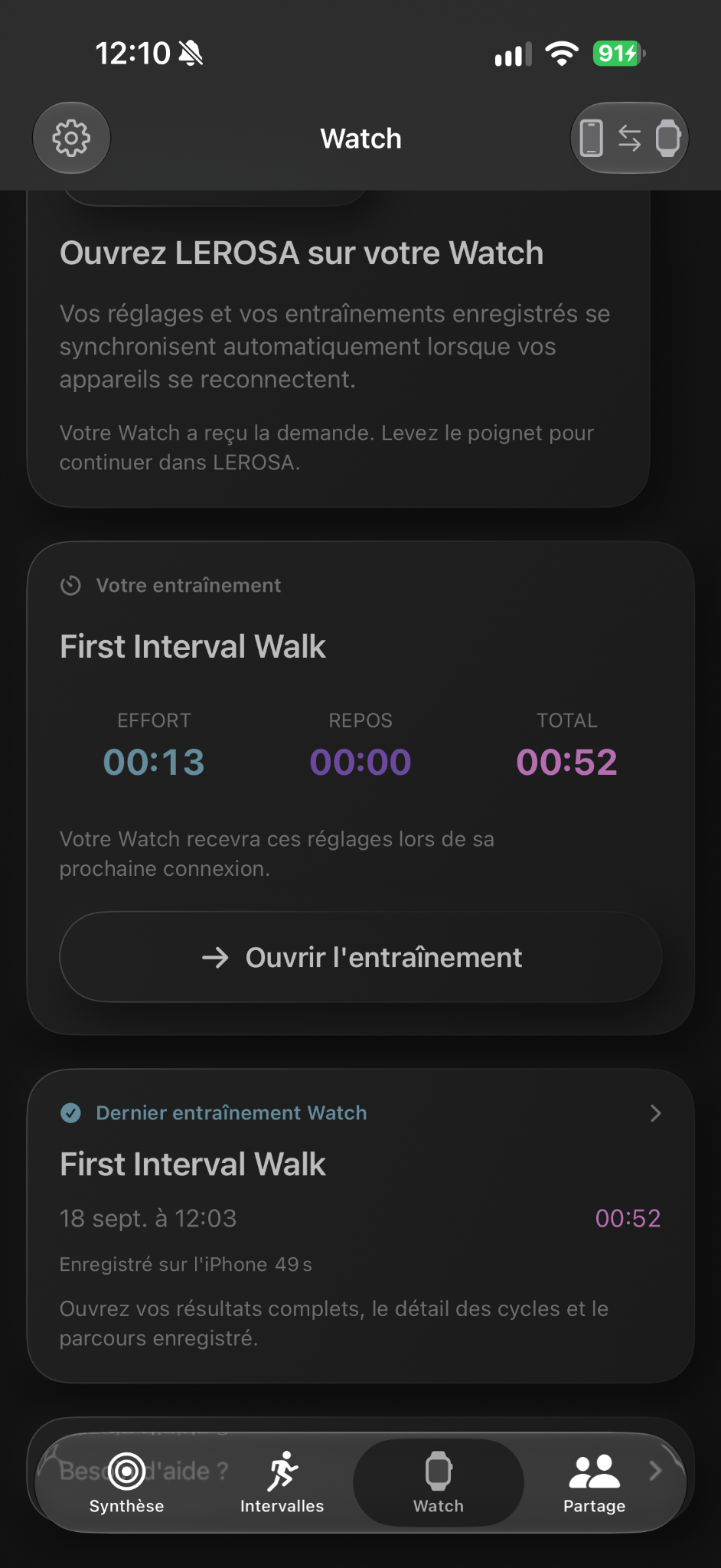
Prepare. Send. Train.
04 / See what went into it
The session ends.
The insight stays.
Review completed cycles, work and recovery totals, and available heart-rate and energy measurements. Explore the strongest and lowest points of the session, then add your own effort rating to give the numbers context.
Training history helps you return to previous sessions and compare the work over time. Health measurements depend on the device, the available recording and the permissions you choose.
05 / The details make the difference
More than a countdown.
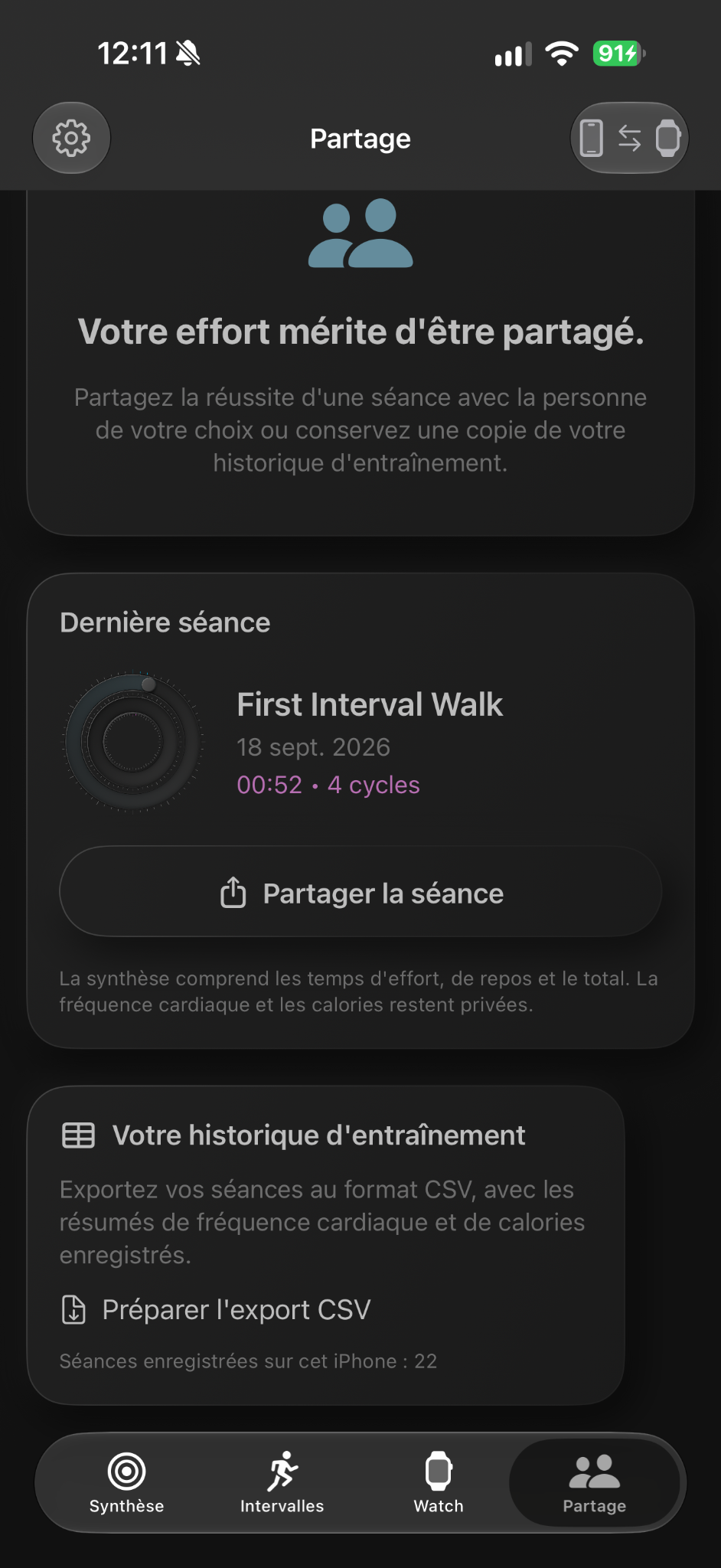
A considered experience before, during and after your workout. Explore the real screens that bring it together.
A finish worth celebrating
You did the work.
Enjoy the finish.
Your session becomes a record you can revisit. Work, recovery, elapsed time and available measurements stay together in the completed workout.
LEROSA also gives that moment a little celebration. Preview the confetti here, then explore the real session summary.
Ready for another rhythm.The complete picture.A real LEROSA session.
Made for your Apple devices
Your rhythm. Your device.
Use LEROSA on iPhone by itself, on Apple Watch, or with both connected.
iPhone iOS 17 or later
- iPhone Duo
- iPhone 18 Pro
- iPhone 18 Pro Max
Also supports earlier iPhones, down to iPhone SE (3rd generation).iOS 17 or later.
Apple Watch watchOS 10 or later
- Series 4
- Series 5
- Series 6
- Series 7
- Series 8
- Series 9
- Series 10
- Series 11
- Series 12
- SE (1st gen)
- SE (2nd gen)
- SE (3rd gen)
- Ultra
- Ultra 2
- Ultra 3
- Ultra 4
Compatibility is based on the app’s current system requirements. Keep your devices on a supported software version. Pairing requirements vary by Apple Watch model and installed watchOS; newer watches may require a newer iPhone or iOS version.